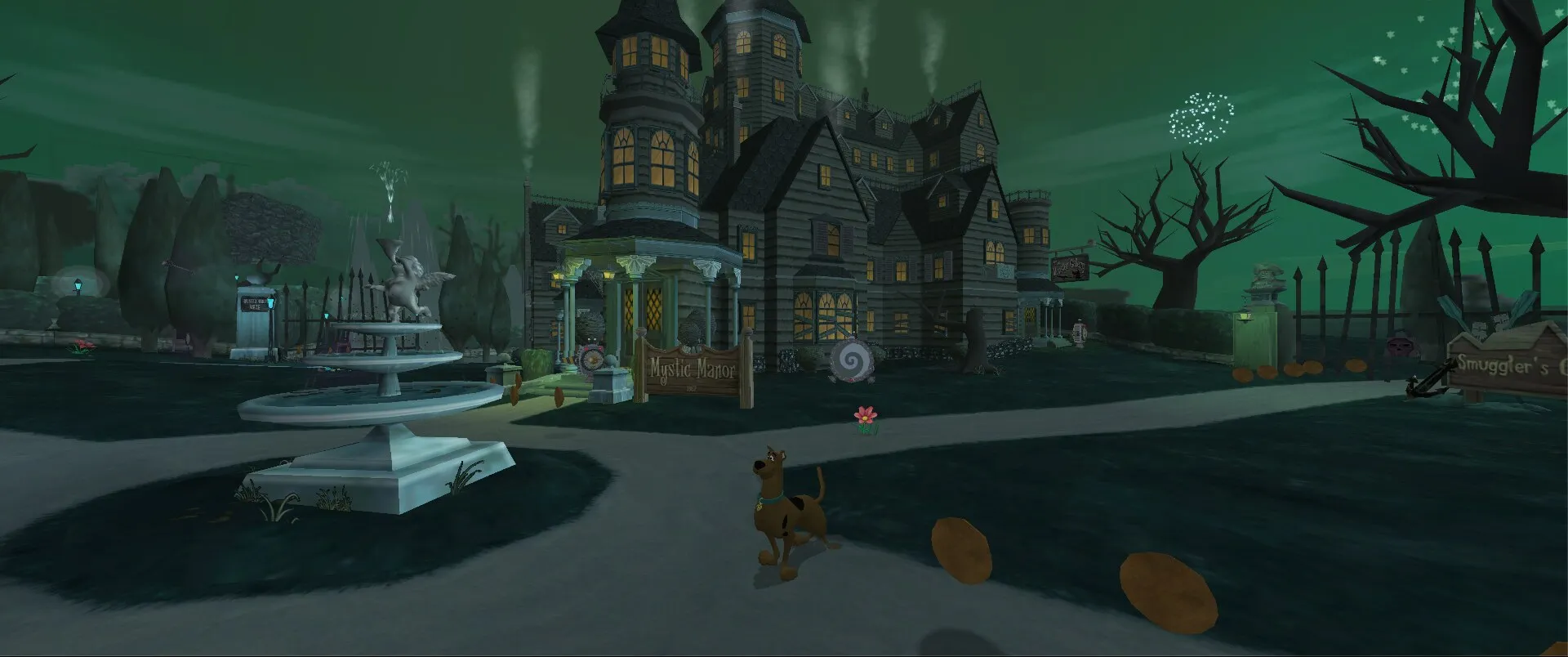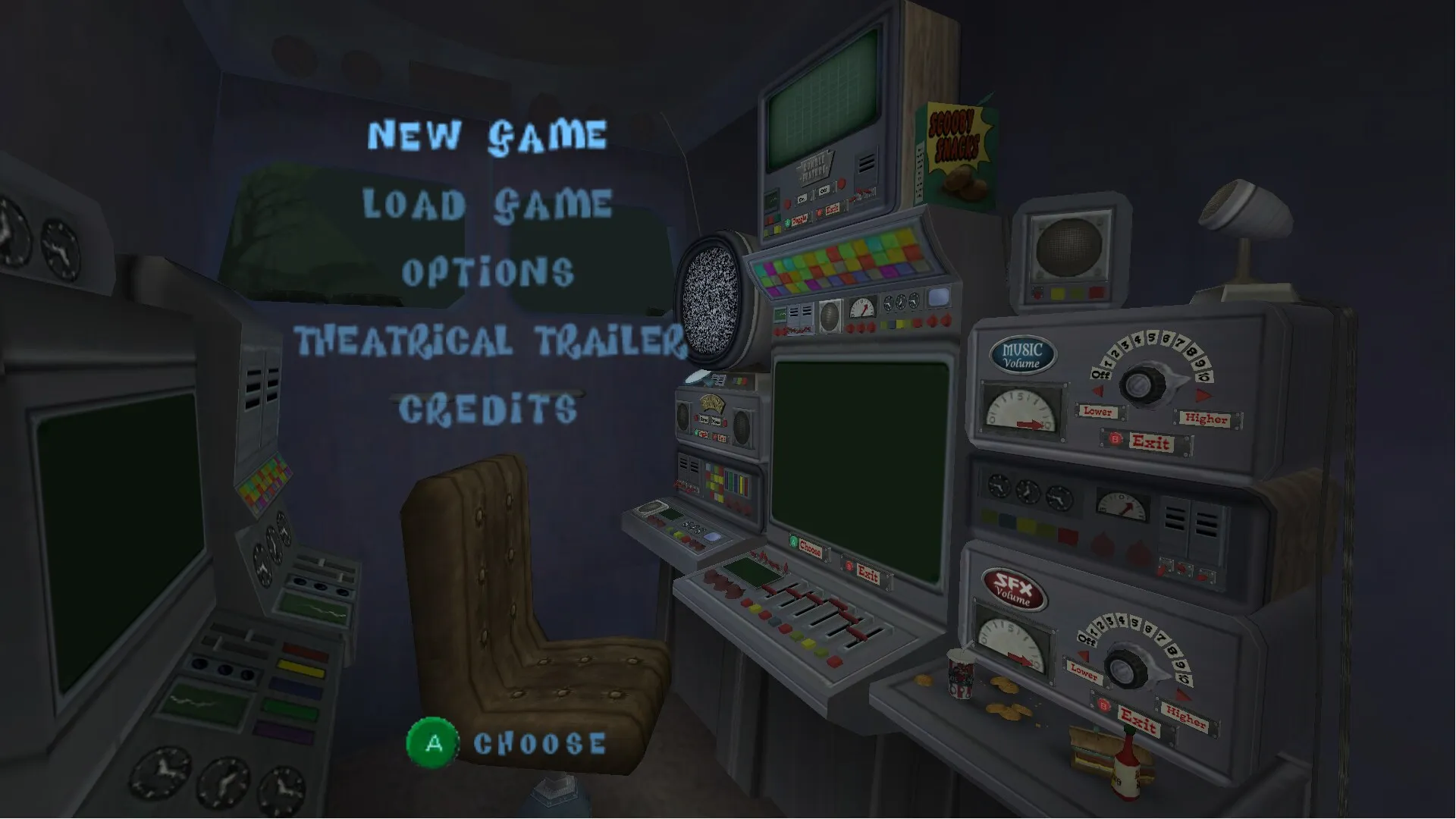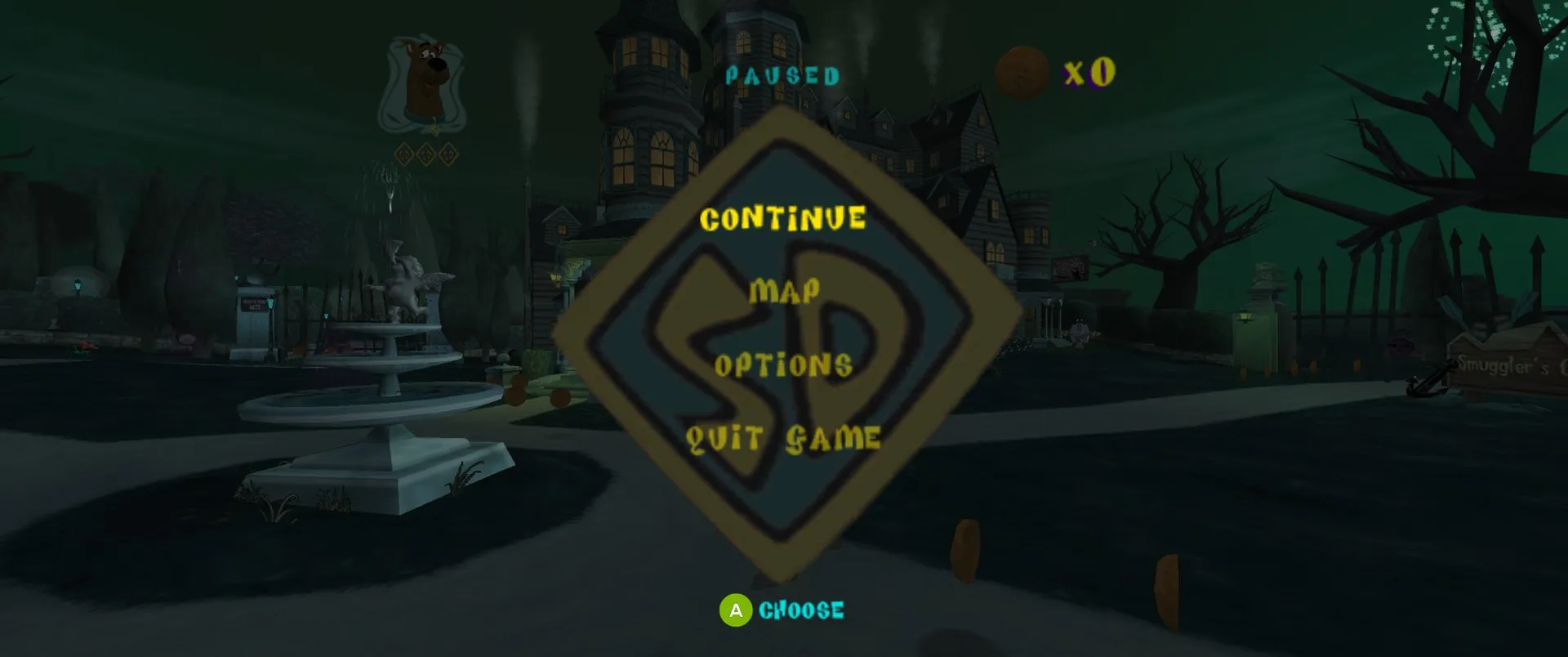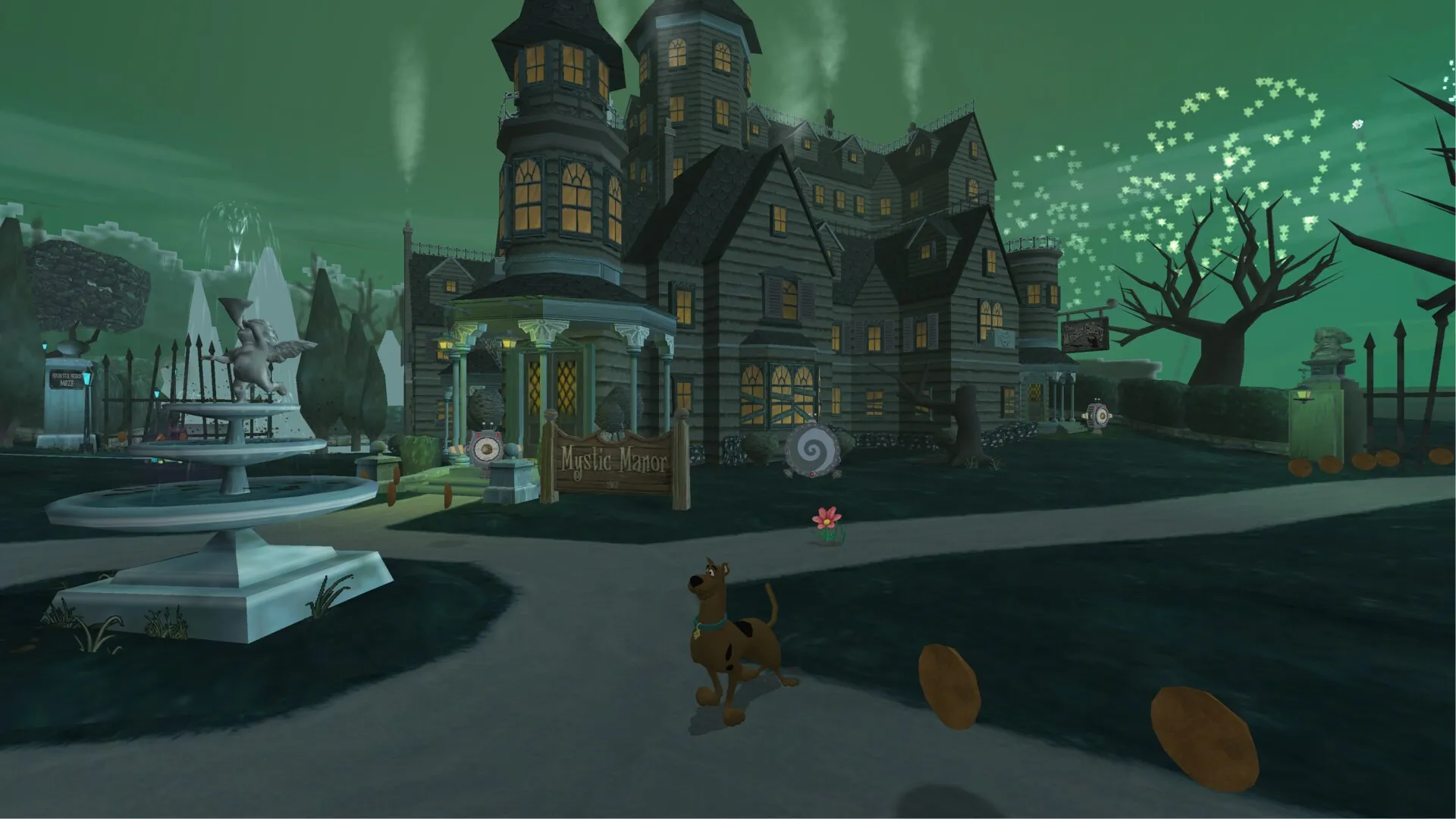
Features
- Up to 4K, true widescreen (16:9, fill, cinematic 2.39:1) or the original 4:3
- 30 or 60 fps, MSAA, motion blur, cartoon ink outlines, HDR, plus experimental ambient occlusion and bloom
- The Creeper window animation from the Xbox edition, back in Mystic Manor’s courtyard
- Built-in HD texture pack by dogerki (can be switched off)
- Gamepads and keyboard, remappable in the launcher or in game (F10). Button prompts match your Xbox, PlayStation or Nintendo controller
- Optional original Xbox controls, with matching prompts and tutorial hints
- GameCube memory-card saves
- Skip the intro movies; mods that replace game files or textures, or add things to a level
- Holiday events follow the real date, or pick one on the launcher’s Extras page
What you need
- Windows 10 or 11 (64-bit), or Linux x86_64 for the beta
- Your own copy of Night of 100 Frights, GameCube USA v1.01 (GIHE78, revision 1) as
.iso,.gcmor.ciso
No game data is included. The launcher reads everything from your disc image.
Installing on Windows
- Download
FrightWorks-win-Setup.exe. It installs for your Windows user, with no admin rights, and adds Start menu and desktop shortcuts. Prefer one folder? Unzip the.zipanywhere instead. - Open FrightWorks and press Play. The first time, it asks for your disc image.
Windows may warn that the setup is from an unknown publisher, because it isn’t code-signed. Choose More info, then Run anyway.
Linux (beta)
The AppImage runs on any x86_64 Linux with glibc 2.34 or newer: Ubuntu 22.04 and newer, Debian 12, Fedora, Arch and SteamOS. It needs a Vulkan driver and FUSE.
chmod +x FrightWorks.AppImage
./FrightWorks.AppImage
Without FUSE, run ./FrightWorks.AppImage --appimage-extract-and-run. Saves, settings and game files are in ~/.local/share/WiiCompiled. Tell us how it goes on your setup in the issue tracker.
Updates
The installed game checks for a new version when the launcher starts and asks before updating. Updates keep your saves and settings. The zip can’t update itself: its launcher tells you when a release is out, and you unzip the new one over the old folder.
Where your files are
| Installed | Zip | |
|---|---|---|
| Saves | Saved Games\FrightWorks |
data\UserData\Saves |
| Settings, mods, logs, game files | %LOCALAPPDATA%\FrightWorks-Data |
data\UserData, data\Disc |
| Screenshots (F2) / videos (F3) | Pictures\FrightWorks / Videos\FrightWorks |
Screenshots / Videos beside the launcher |
Extras > Folders in the launcher opens these folders, can move your saves somewhere that’s backed up, and copies saves and settings over from an earlier FrightWorks or Refrightened install.